How this site works
just-tim is a decade-plus of data & analytics — videos, writing and honest takes — organised so you can actually find and use it. Scan the features below and open whichever ones you're curious about.
The settings gear
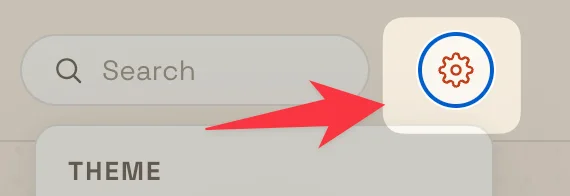
Every reading preference lives behind the settings gear, top right of the nav, just past the search box. Open it any time to make the site work the way you like. Nothing is sent anywhere: your choices are remembered in your own browser.
- Theme: follow your system, or force light or dark.
- Texture: the faint page grain, at faint, medium or off.
- Pattern: the motif behind the page, on auto or pinned to dots, graph, halftone or contour.
- Thumbnails: show the images, or switch to a compact titles-only view.
- Shorts: show or hide short-form posts across the library.
There is also a one-tap reset to defaults, and quick links to the RSS feeds, this guide, and the privacy note.
Posts — the videos, shorts & writing
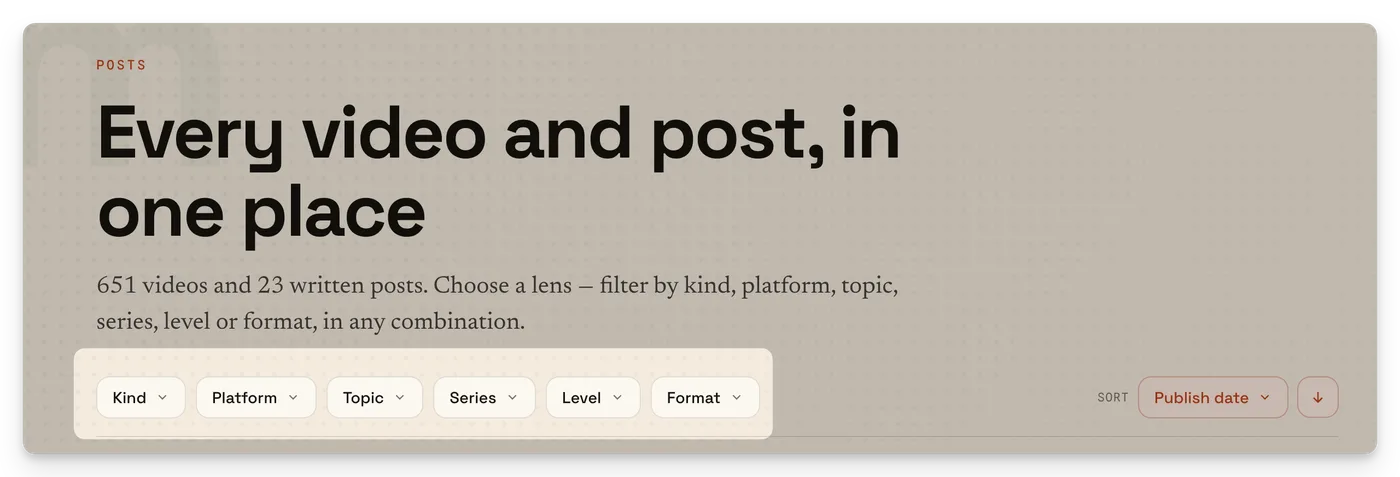
Almost everything here is a post: a video, a short, or a written piece. Each one carries the same handful of labels so you can slice the library any way you like —
- Platform — the tool it's about (Tableau, Snowflake, Sigma, Hex, dbt and the rest).
- Level — beginner, intermediate or advanced, so you can pitch it to where you are.
- Type — a full video, a quick short, or a written article.
- Topics — the finer-grained tags (calculations, LOD, dashboards, data prep…).
The Posts page is the front door — every post, filterable by all of the above, with thumbnails. Every video post also opens to a Rollup: a short, structured read of what's in it.
The Rollup
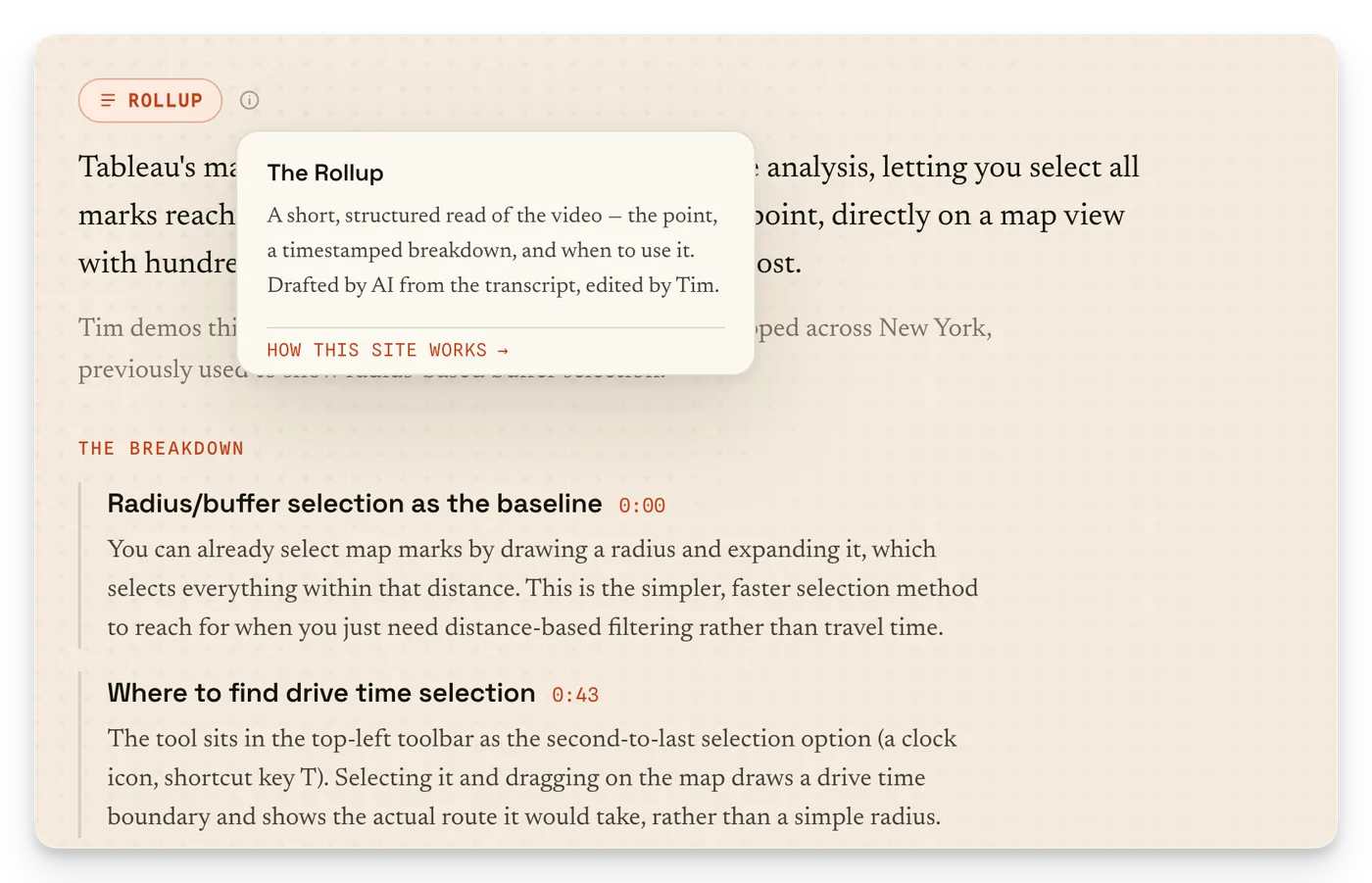
Under every video sits a Rollup — a short, structured summary that replaces the old written article. It's built to be read in about two minutes and always follows the same shape:
- The point — what the video is really about, in a line or two.
- The breakdown — the key beats, each with a timestamp. Click a timestamp and the video jumps straight there.
- Worth knowing — the gotchas and caveats.
- Use it when — the consultant's answer to "so when would I actually reach for this?"
Rollups are drafted by AI from the video's transcript, then reviewed and edited by me. Nothing is invented — if it's not in the video, it's not in the Rollup. Every one carries a "How this Rollup was made" panel with the model, the source video and the timestamps, so it's fully transparent.
Want the exact recipe? The complete system prompt is public: see how the Rollups are orchestrated →
The Drilldown goes deep. The Rollup brings it back up.
The Drilldown
The Drilldown is the newsletter — a regular, honest read on what's happening across data & analytics. The releases that actually matter, the pricing games called out, and one thing each issue worth learning properly. Most weeks, about a five-minute read, free, no spam.
If a Rollup zooms out to summarise one video, the Drilldown drills in on the wider industry — hence the pairing. Read the latest issues and subscribe →
The video player & cinema mode
Videos play inline, right on the post page — no need to leave for YouTube. A few things the player does:
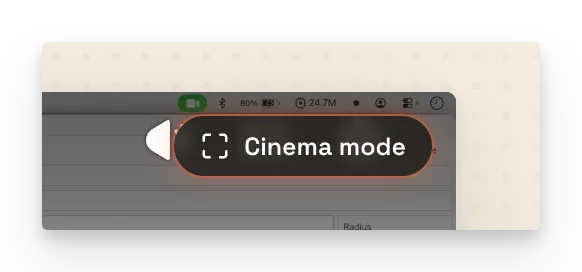
- Cinema mode — hit the Cinema mode button to dim the page and enlarge the video, so it's just you and the content. Hit it again (or scroll) to come back.
- Tap-to-seek timestamps — the timestamps in the Rollup and the transcript are live: click one and the player jumps to that exact moment.
- Stays with you — scroll down to read while the video keeps playing in a docked corner.
Search
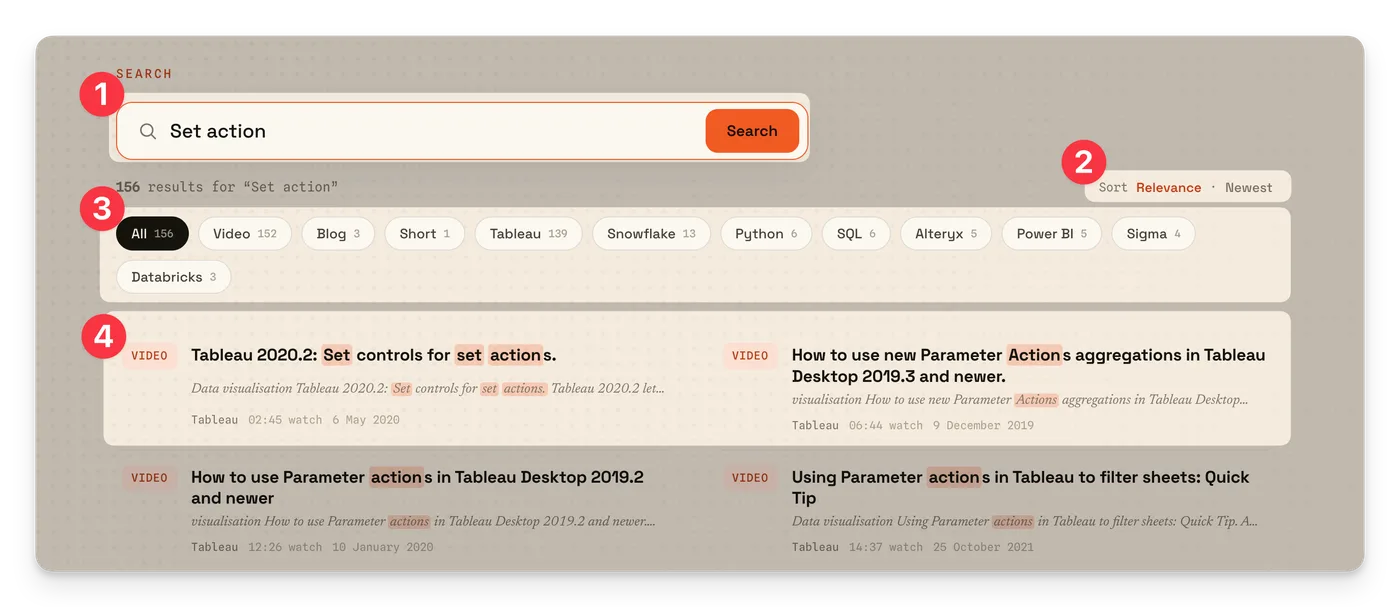
The search box (top right, or the Search page) covers the whole site — posts, platform hubs, collections and the standing pages — not just titles. It reads the actual content, so searching a concept ("level of detail", "row-level security") surfaces the videos that cover it.
On the Posts page you can also filter without searching at all — pick a platform, level or type and browse what's left.
Collections
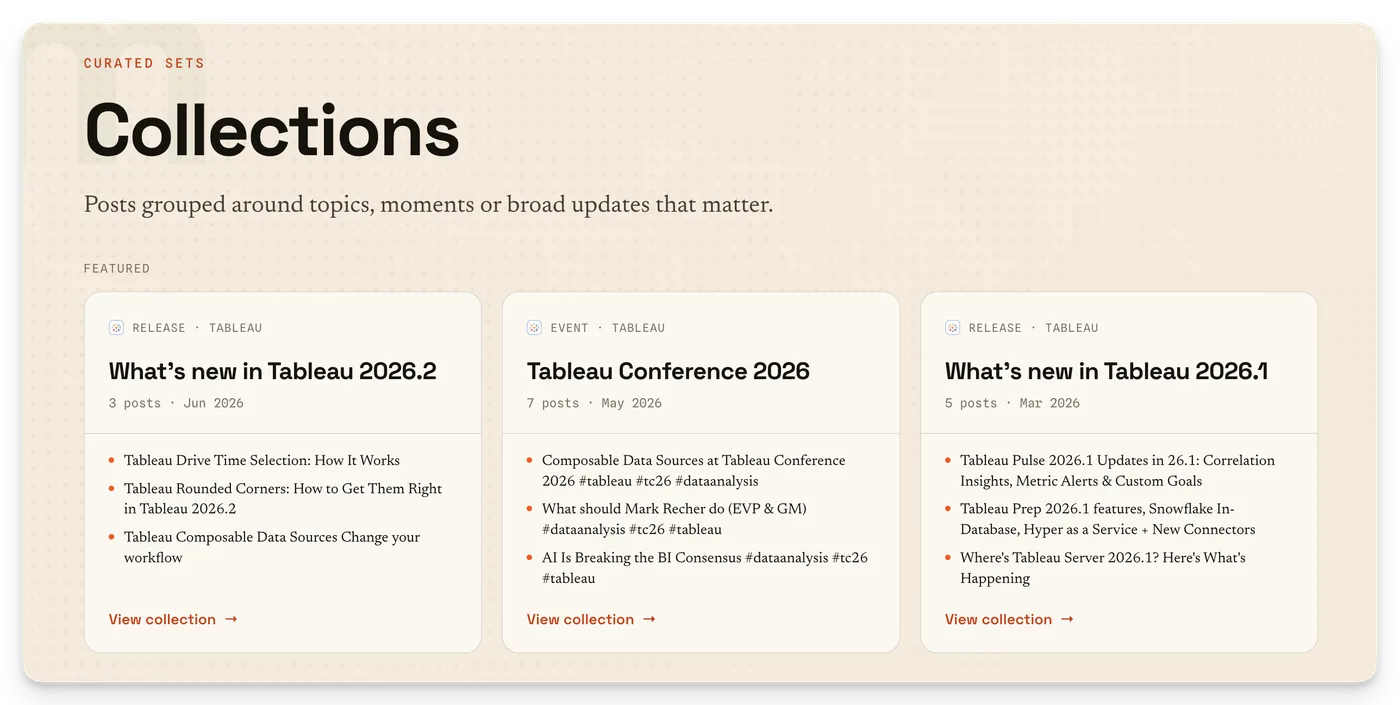
Collections are curated paths through the library — several posts grouped into a proper sequence, so a big topic can be learned in order rather than as scattered one-offs. Think of them as playlists with intent. Browse them on the Collections page.
Platform pages
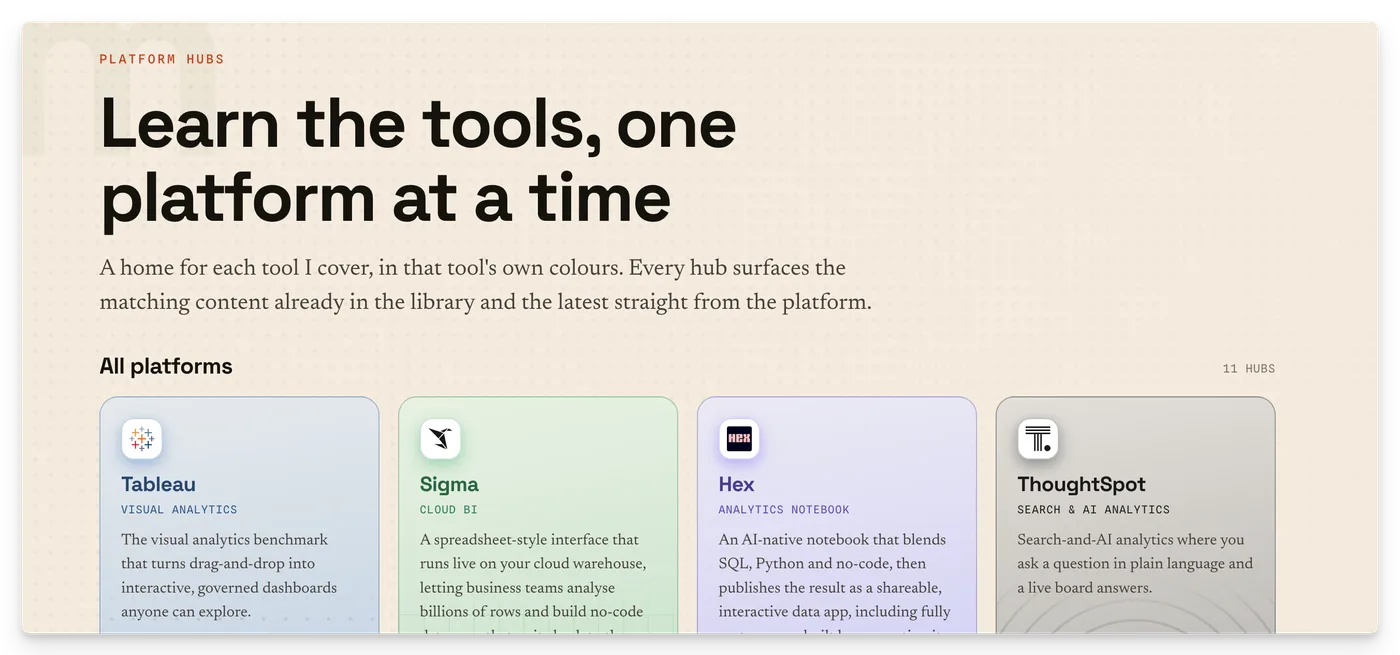
Each tool I cover has its own platform hub — a home page for everything about it. On one you'll find my honest take on the tool, what it's best for and who owns it, the products that make it up, a start here path, the latest videos and posts pulled in fresh, and a link to the official docs. Start from Platforms.
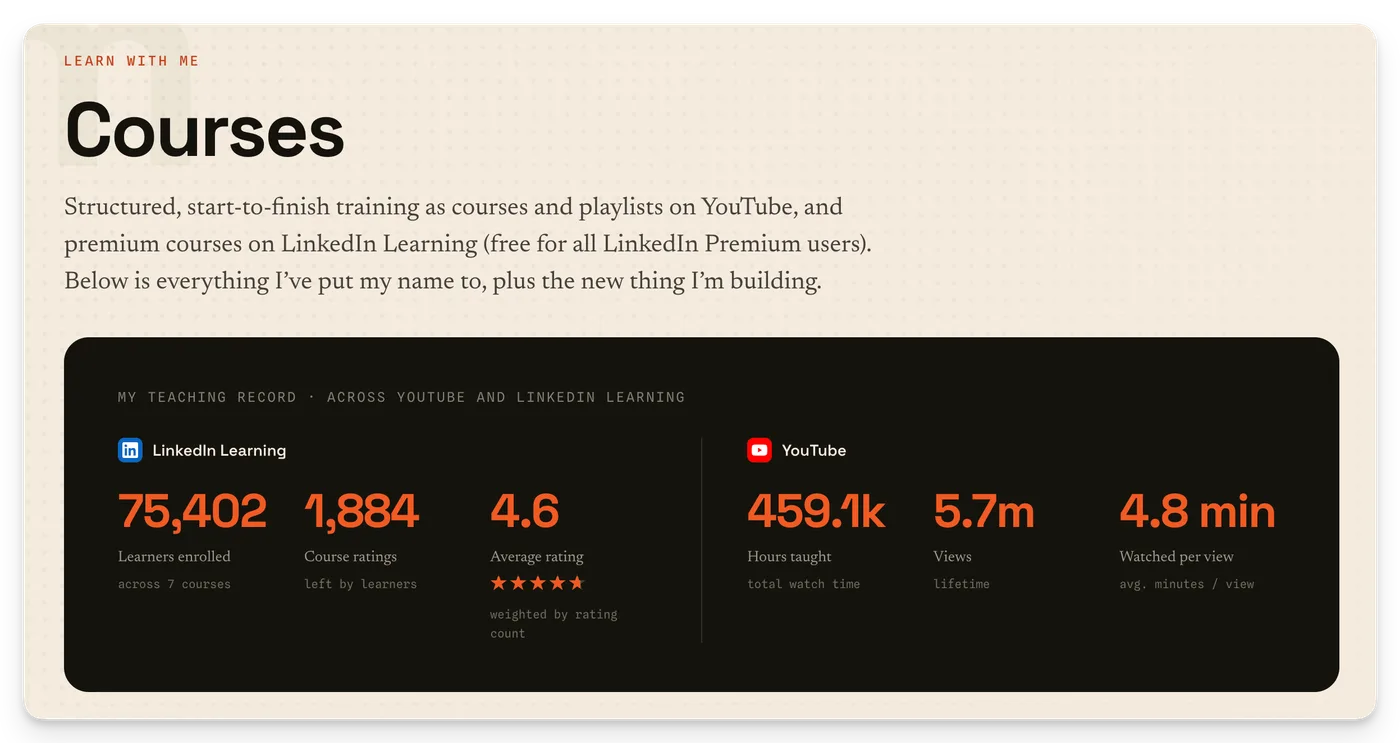
Courses
When a topic deserves more than a video, it becomes a course — a structured, start-to-finish path built to take you from zero to genuinely capable. See what's available on the Courses page.
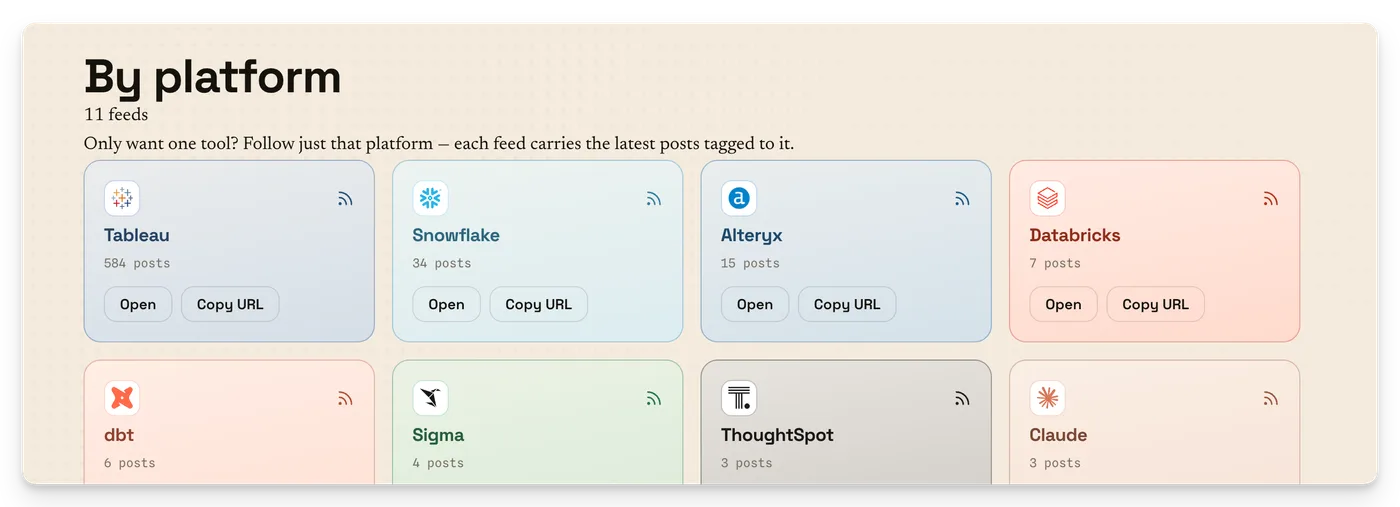
Feeds & staying subscribed
Prefer to follow along in your own reader? Everything's available by RSS — the whole site, or a feed per platform. Grab them from the Feeds page, or the RSS link in the settings menu (the gear, top right).