 Video 1
 How to Connect to Different Data Sources in Tableau: A beginner's guide
Connecting to data is one of the most basic things in Tableau, so here's a great starting point for hooking up to pretty much any data source.
 Snowflake
 Snowflake is a cloud data platform that separates storage from compute, so you store everything and pay for the queries you run. It is the warehouse underneath much of the modern stack.
The cloud data platform that sits under the modern stack, separating storage from compute so teams can query and share data at scale.
The warehouse grew into a platform. These are the six pieces I actually use and cover.
The web UI for SQL, worksheets, dashboards and admin. Where most days in Snowflake actually happen.
My posts →Python, Java and Scala pipelines that run where the data lives, instead of dragging it out to run code.
My posts →LLM functions and agents over governed data: summarise, classify and ask, without moving anything.
My posts →Python data apps built and served inside Snowflake, sharing its security and governance for free.
My posts →The catalogue: discovery, lineage, classification and the sharing controls underneath everything else.
My posts →Third-party datasets and native apps, delivered as live shares rather than files to ingest.
My posts →New to Snowflake, or new to my Snowflake content? Start with the three the community watched most.
Video 1 Connecting to data is one of the most basic things in Tableau, so here's a great starting point for hooking up to pretty much any data source.
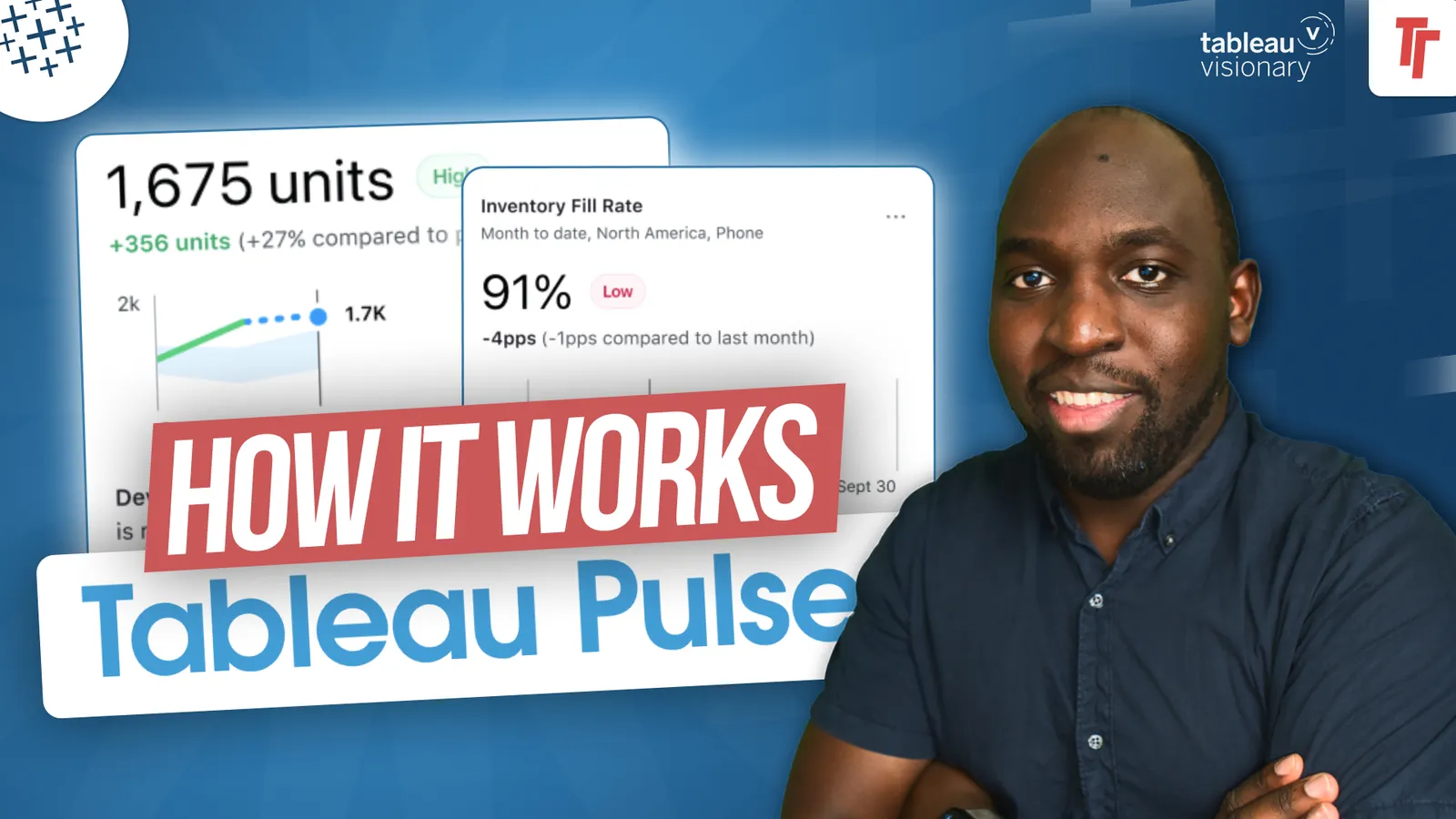 Video 2
 Pulse splits metric creation into definitions and metrics, and once you grasp that distinction the whole thing clicks.
 Video 3
 Virtual connections are basically the dream connection you could possibly create with Tableau.
Useful even before I have made a thing: the latest from Snowflake itself. Every link in this section leaves just-tim and opens at the official source.


The Snowflake docs and quickstarts are the best next stop once the concepts click.